VirtualBoss Construction Scheduling Software
With Pocket VirtualBoss you can take everything on the road with you! Pocket VirtualBoss can be used as a stand alone program, or you can synchronize it with the desktop Version of VirtualBoss. You can view, edit, and add items (tasks, contacts, and jobs) on your Pocket PC or your desktop. For a limited time, Pocket VirtualBoss comes free with any purchase of PC VirtualBoss.

Home Page | Online Store | The Basics | Screenshots | FAQS | What's New | Contact Us | Download | Upgrade | Tech Support


Click here to see our new release special!
Main Pocket VirtualBoss page
VirtualBoss on your desktop computer

Task Manager

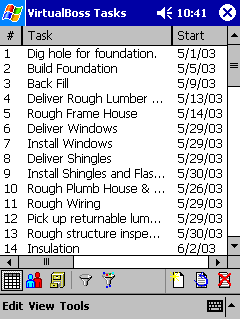
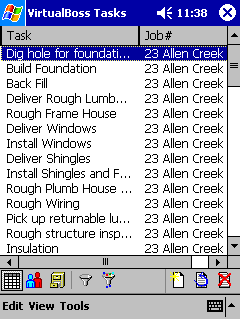
Job management is made simplified with a comprehensive task list

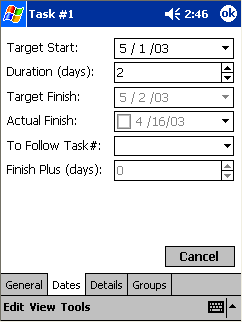
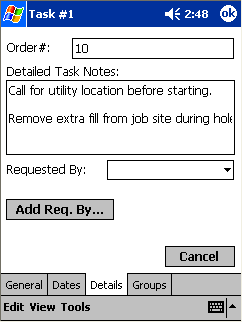
Bring detailed information about every task with you, every where you go. Add or edit tasks and include all the details you need.
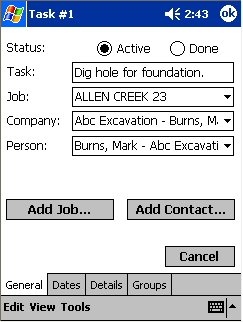
Each task is broken down for easier access to management information The ability to follow each contractors task time schedule allows for better tracking The ability to keep more information on each task is increeased with the large space for note entry
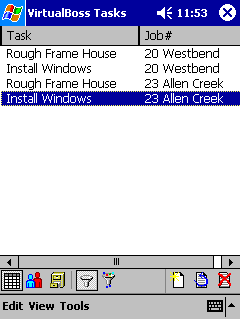
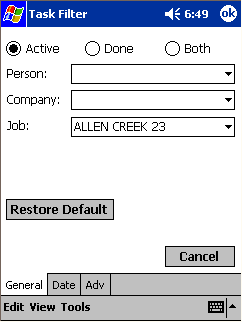
You can filter your task list down to 1 sub contractor, or 1 job or a combination of both.
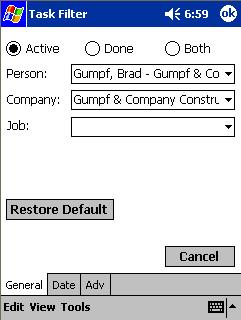
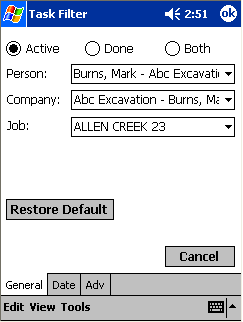
filter down to a person when you see somebody,

Task filtering allows your scheduling and task management to be narrowed down to a company, a job, or a person With simply one press, you can turn the filtering on or off, giving an at a glance look from overall, to a specialized range.

Or filter to a job when you are at a job site,
As a supervisor, you often need to know the specifics for each jobsite you visit, and VirtualBoss allows just that quickly and simply... ...giving the total package for that jobsite, rather than hunting through Project, a file at a time.

Or filter by any combination

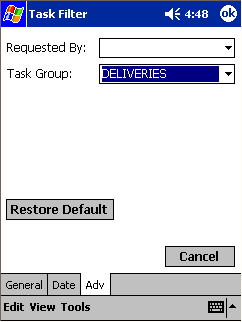
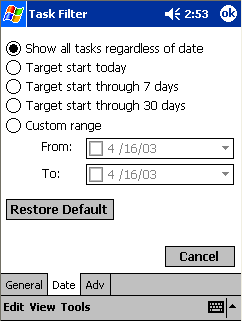
Managing has never been easier with the sorting options the Pocket PC version of VirtualBoss offers... as you can sort by the groups you created, or filter down by something as simple as who asked for that task to be completed... or suppose you need to see only the tasks that occur this week, or this month, or maybe next month.  You have that option.

The task manager has even more screens and options.
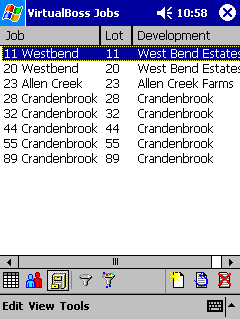
Job Manager

Whether you a individual house builder, or a builder developer for subdivisions, tracking each job has never been easier.

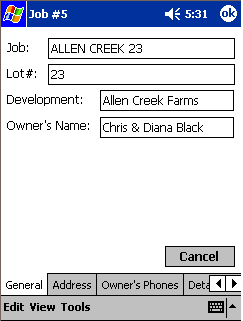
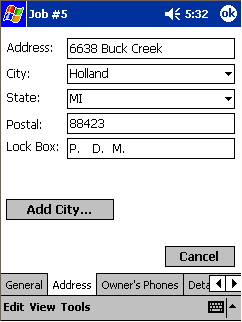
Bring detailed information about every job with you, every where you go. Add or edit jobs and include all the details you need.

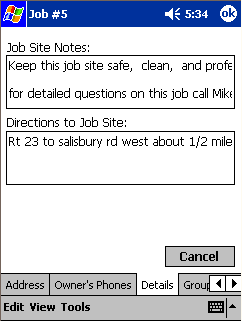
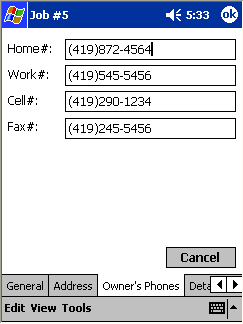
Simply pressing on the job brings up the more in detail information for each house The object is to have the information you need quickly and effieciently, without overhead The limit is only set by you as to how complex, or how simple the system you want to manage by

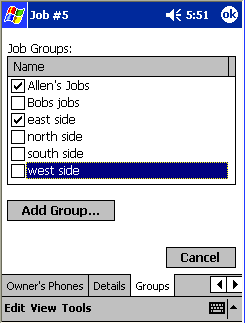
Easy to use, quick access, and simple to understand.  Manage your construction company the way you want to. Grouping offers faster retrieval of pertinent information, and allows easier sorting to similar projects.

The task manager has even more screens and options.
Contact Manager


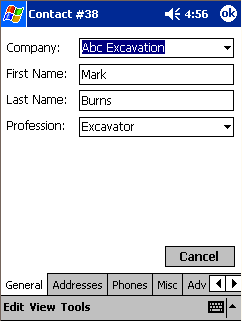
Sub-contractors, contractors, the management team, drafters, etc can all be found with one tap on the screen

Bring detailed information about every contact with you, every where you go. Add or edit contacts and include all the details you need.

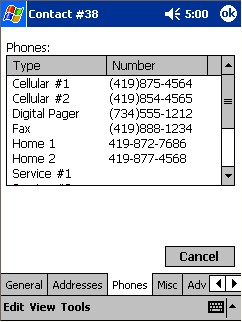
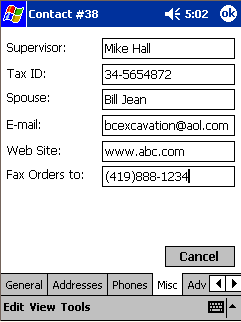
When time is as key as overall management, finding your contractors information quickly allows for faster response when in a pinch With a field for each method of contact, there is no worries of having to call back to the office just to get a hold of an individual or company Information is key, and being able to know, or find out with a few taps of a stylus, there will be no excuses

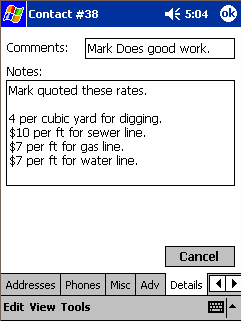
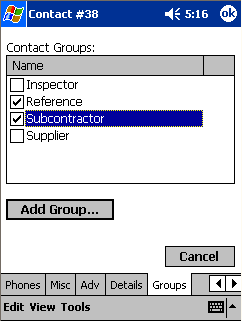
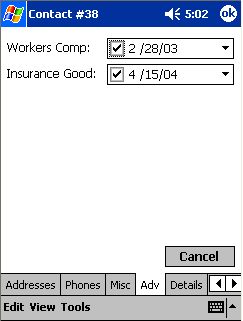
Pricing, work ethics, contact times, the possibilities are endless Sort the contacts, and be able to find the contacts by groups to create more efficiency in your scheduling Keep records that you need to have onsite on hand as well


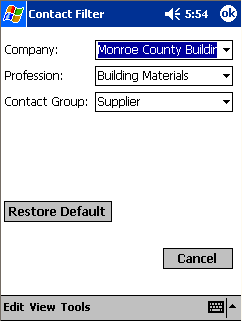
Filter your contact list down to 1 company, 1 Profession, or 1 Group of contacts

Filter down your contacts by groups, or by profession, or both, and finding a the contractor, or sub you want is a snap

The contact manager has even more screens and options.
Home Page | Online Store | The Basics | Screenshots | FAQS | What's New | Contact Us | Download | Upgrade | Tech Support


Click here to see our new release special!
Main Pocket VirtualBoss page
VirtualBoss on your desktop computer


(Material in www.virtualboss.net and software provided)
Copyright 1997-2009. All rights reserved.