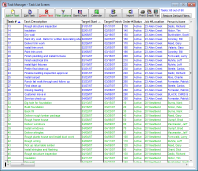
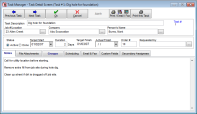
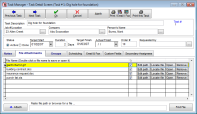
VirtualBoss 4.0 is a major upgrade. Our customers
asked for new features and 4.0 has them. It is even easier to set up and use.
4.0 allows you to load
everything on your Pocket PC and or Palm Pilot. Now you can have all information with you no
matter where you are. This new release has simplistic fax & email
abilities. You can fax or email literally hundreds of work orders
in just 3 clicks. 4.0 allows you to see your schedule on a
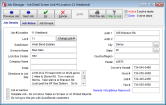
calendar. It also has an improved Gantt Chart, completely new scheduling options, new task and
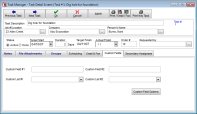
job grouping features, expanded and simplified built in help, custom
fields and more. We have tripled our programming efforts and it shows.
1 -
Free Shipping - Orders before 2pm EST will
be shipped same day
(enter FREESHIP in Promotion Code
during checkout to receive Free Shipping.)
2 - Toll-free set up and tech support
3 - Free
Remote VirtualBoss Software
4 - Free Email upgrade notifications
5 -
Free QuickBooks Pro template - Regularly
$99.95
6 - 33% savings on Pro Support Plan
7 - Free copy of VirtualBoss for
Pocket PC
or Palm-
Regularly $100.00
8 - Free Remote
VirtualBoss License
(This is limited and may be withdrawn any time until you purchase)
9 - 21 Helpful Contractor Forms
(Budgets, specifications, contracts, change orders, etc.) 10 - 11 pre-set up Scheduling
Templates (home building, remodeling, electrical, and general
contracting) 11
- 30 Day money back guarantee
VirtualBoss scheduling software is easy to set up, easy to learn, and easy to use. You could be up and running less than 1 hour from now. Plan your jobs better, save time, and get organized the easy way.
Click here to go to our
Online store!
Many new features have been added that will save you more time and more money!
VirtualBoss 4.0 includes new features such as:
4.0 has the following
new features and more !!!
Remote VirtualBoss
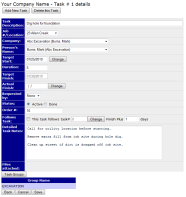
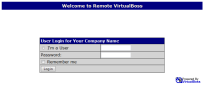
Remote VirtualBoss works along side of PC VirtualBoss and gives you the ability to publish and remotely
access your scheduling information. All that is needed is a web browser and a password. Now everybody can view and update the schedule in real
time, no matter where they are. Eliminate phone calls and trips to the office with this exciting new feature!
VirtualBoss Integrates with QuickBooks
Combine your scheduling and accounting
efforts and eliminate double entry. If you add or edit a vendor or job in
VirtualBoss, the information will also appear in QuickBooks, and vice versa.
This is not just a simple import function. It's an integration that allows
you to enter or edit information in either system at any time and have it update
the other system automatically. This saves time and increases accuracy!
VirtualBoss will run with or without QuickBooks.
Advanced Work Order
and Printed Schedule Options
VirtualBoss offers advanced printing
options for work
orders and
schedules. We have added over 50 options for printed work orders
& 60 options for printed schedules. Combined this gives you thousands of
options. Now you can tell VirtualBoss what you want to see the
reports! You can change the font, color, size, and even select
which fields you would like to see on the reports. These features
will help you and your subs, suppliers, and employees when using the
work orders and schedules.
VirtualBoss for Pocket PC/Palm Our Pocket PC/Palm versions work with
your PC version to give you even more functionality! Now you can
synchronize all your tasks, all your jobs, and all your contacts with
your Pocket PC/Palm. Take all your information with you every where you go.
Update your information on your PC or your Pocket PC and synchronize
when you are ready. This powerful tool gives you access to all your
information, no matter where you are. Visit our Pocket PC/Palm page
herefor more information.
New Emailing & Faxing features Now you can fax and email every
outstanding work order with less effort than it takes to make 1
phone call. The time savings is incredible. You can fax
and email 100
work orders
(
or
schedules ) to 100 different subcontractors as easy as you can print work orders
for those subcontractors. This is extremely powerful. Everybody gets
their orders in writing. It only takes 2 clicks to send all outstanding
work orders. You can
apply
filters to your fax and emailing jobs so you only send the
ones you want. Exact copies of the work orders that are faxed or emailed can be
saved in Outlook and or your faxing software. You can use the built in
VirtualBoss email program or you can use Outlook.
Calendar view of schedules
You can present your tasks and jobs on a
standard calendar view. It is a great way to communicate where
everything is.
Click here to see a calendar
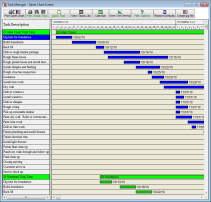
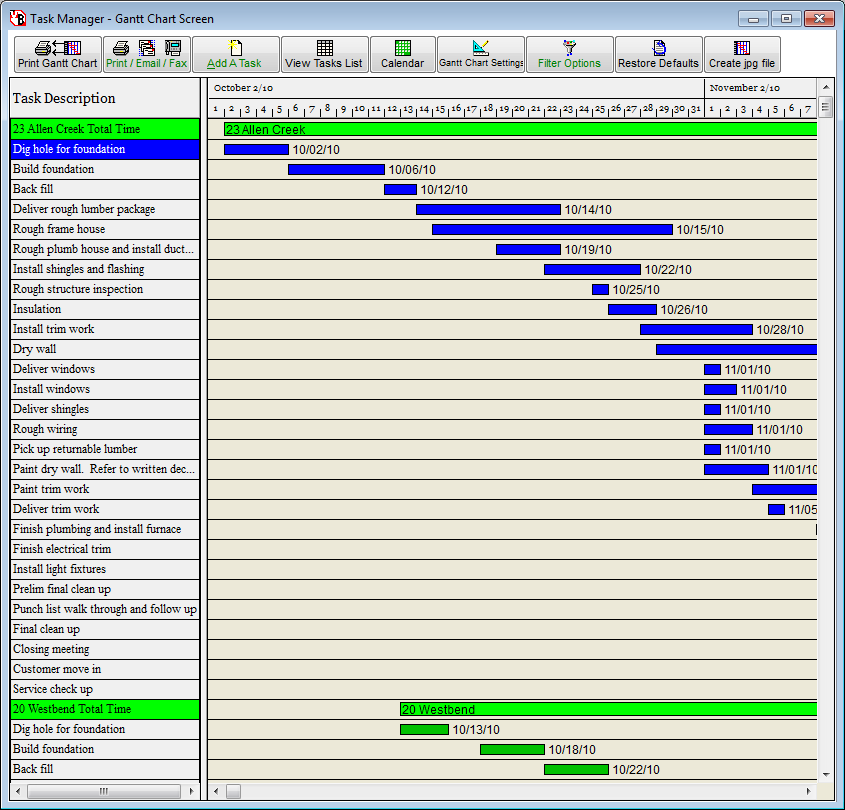
Improved Gantt Charting
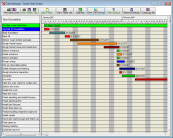
The Gantt Chart is a great feature that gives you a vivid visual
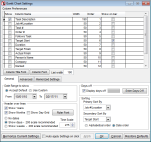
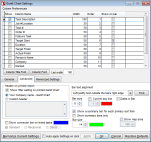
representation of your schedule. Our format has been completely
revised and now you can customize you Gantt Chart to include the
information you want to see. Our users gave us a lot of good
suggestions and our Gantt Chart has improved greatly because of these
suggestions. If you want to read more about
our Gantt Charting features,
click
here to see our new Gantt chart. Advanced Help
Feature Our new and improved help
module includes almost 100 new topics! This great help feature
will assist you with the daily VirtualBoss functions. Step-by-step
instructions are included of most all functions within VirtualBoss.
This help module also includes many helpful Hints & Tips. This
makes getting started even faster and easier!
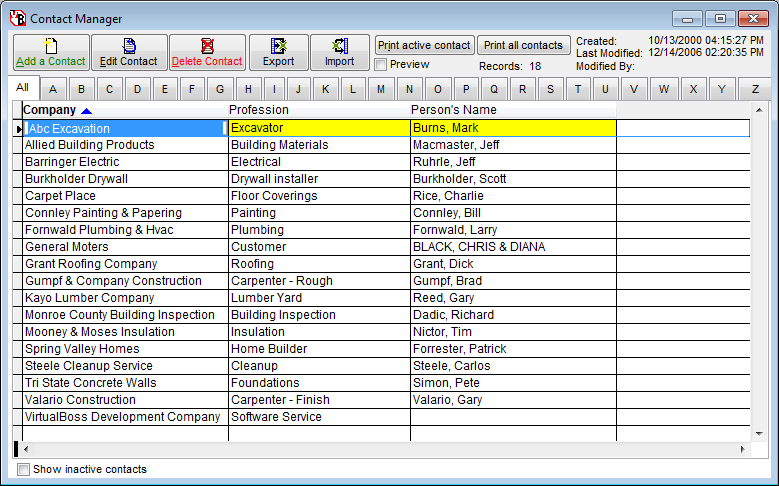
Improved Import/Export
Features
VirtualBoss has enhanced the import/export
process to/from Microsoft Excel and other standard formats. You
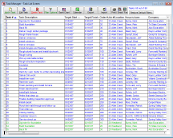
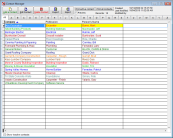
can now import and export your contacts, job list, and task list even
easier! Now
you can email all the information (in standard / easy to use format)
to anybody you need to in just a few clicks. This includes your job
list, task list, and contact list. You also have the ability to
import contacts from other programs into VirtualBoss with our enhanced
import feature! This newly enhanced feature leaves the door open
to many possibilities.
Enhanced
Scheduling Options
VirtualBoss offers completely new and
improved scheduling logic that is easier to understand, has more
options, and is 10 times faster. You can
allow tasks to start on a day off or completely disallow people from working on
a day off. You can have events on 1 job update tasks on a entirely different
job. With 4.0 you can overlap tasks. Now you can schedule the plumber to come
in during the last 3 days of your rough frame in. You can also schedule a back
fill to occur 3 days after your foundation is poured or you can schedule a
service meeting to occur 2 weeks after the customer has moved in. VirtualBoss
4.0 scheduling is simplified and
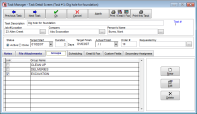
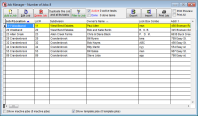
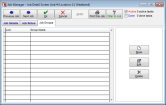
have been improved in many ways. Task and Job Grouping Features Have you ever wanted to see
just certain tasks or just certain jobs tasks. With VirtualBoss you can
see, only major scheduling items, only jobs in the north side of town,
only permit related tasks, or jobs assigned to a specific
supervisor. You make what ever group you want to. Then put
the tasks you want into that group. Then you can print reports and only
include tasks in this group. Each task and job can be a member of
multiple groups.
New Task
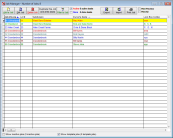
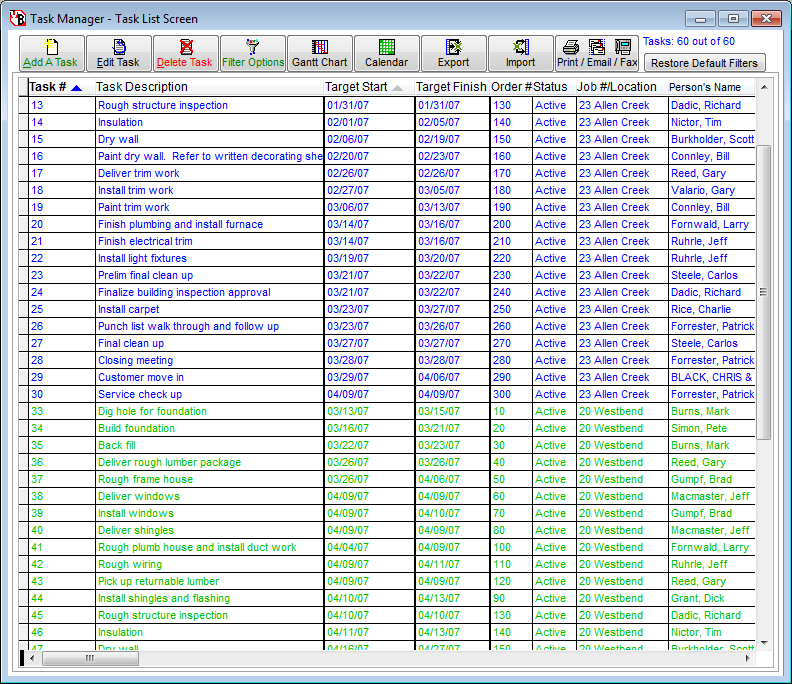
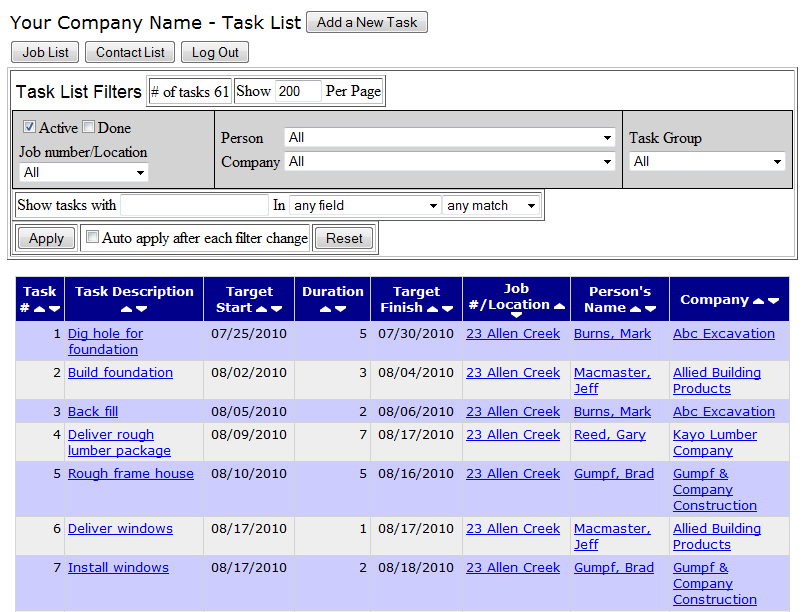
Filtering Options Have you ever wanted to see just
certain tasks or just one job's tasks? With VirtualBoss you have unlimited
options. With VirtualBoss 4.0 you get all
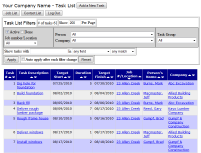
new filtering options. Now you can see your task list by company, by person,
by job, by task group, by job group, by who requested the work, and by start
date range. You can even narrow your view down by multiple parameters. Our
newest feature allows you to filter down to individual tasks. You
could print work orders for 1 person for all tasks assigned to him for the
next 7 days. Come up with any combination of filters you want and VirtualBoss
can do it.
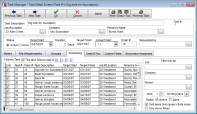
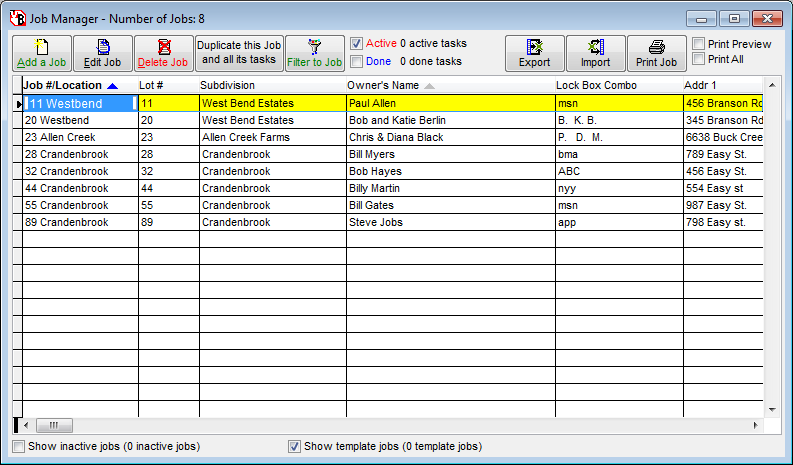
Click here to see our new filter window
Simultaneous multi-user access
VirtualBoss runs great on a network. Run VirtualBoss on as many work
stations that you need to for the size of your business. Everybody can
look at the same information at the same time. This makes VirtualBoss a
great choice for large and growing businesses and still great for small
sized businesses. Automatic Data backup and
restore With VirtualBoss 4.0 you can
easily backup your data automatically. You set up a backup
schedule to fit your needs whether its daily, weekly, monthly, etc. When
you do this the files are compressed to 1/10th their original size. You
can set VirtualBoss to create a back up every time you use VirtualBoss.
You can then easily restore any backup if necessary with our east to use
restore feature. Online Schedules
You can post your schedules to
the web so that your
contractors, sub-contractors, employees, and customers can
see what still needs to be done. By doing this you are
giving convenient access to everyone involved.
Completely Revised Sample Job Templates
We now offer 13 new job templates you can use and edit to fit your
needs! These templates are great tools for those of you getting
started with VirtualBoss. These templates offer expert schedules
for a wide variety of industries such as building, remodeling,
electrical, landscaping, etc.