Construction
scheduling software that is easy to set up, easy to learn, and easy
to use. You could be up and running less than 1 hour from now. Plan
your jobs better, save time, and get organized the easy way.
The information found on this page is outdated. Please refer to our getting started guide for more information. Apache is now automatically configured for the user on install. You can change the port number in the Remote VirtualBoss control panel.
Changing Ports within Apache
If you are using Apache and you need to
change the port you are using to host Remote VirtualBoss,
follow these steps.
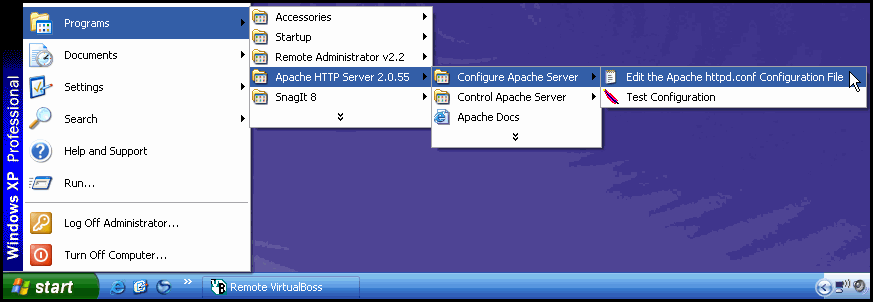
Open the Apache Configuration File
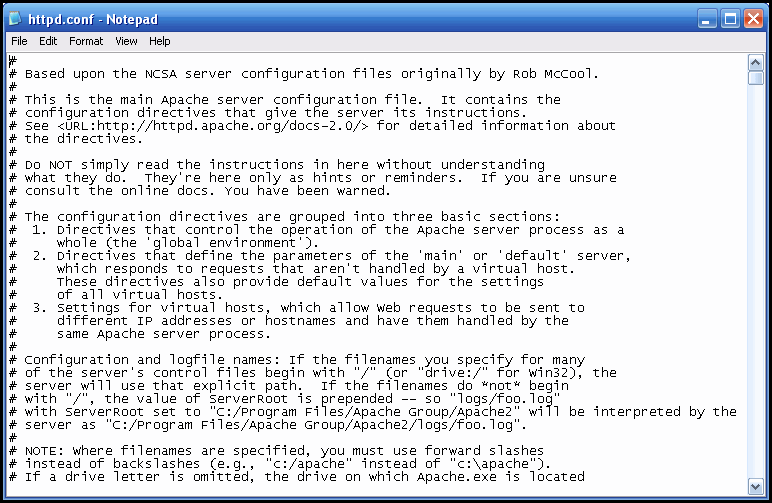
This will open a text file that has all the Apache
server variables in it
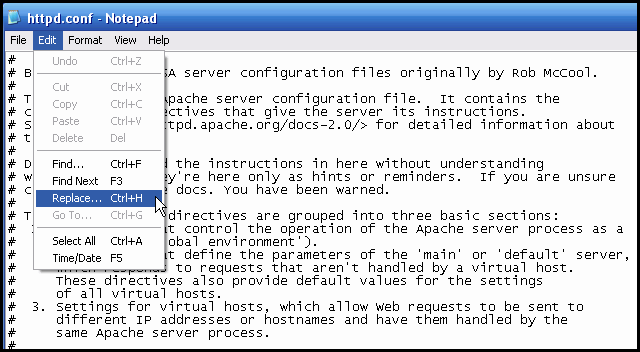
Access the Replace function in your text editor
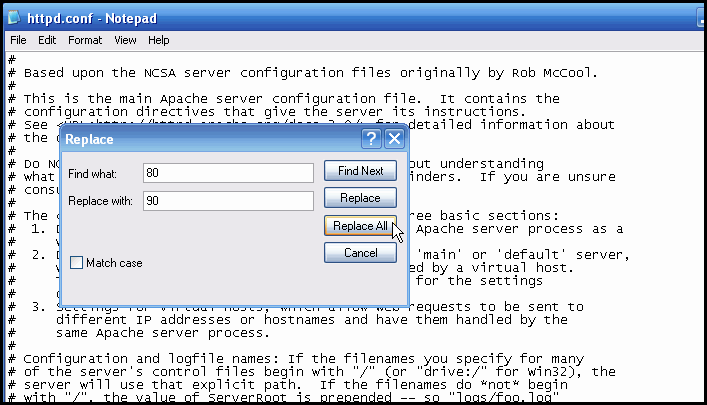
Edit the fields to Find 80 and Replace
with 90, and click Replace All
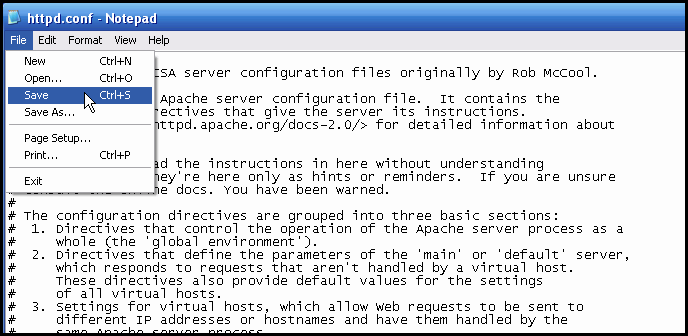
When you are finished, save the configuration
file
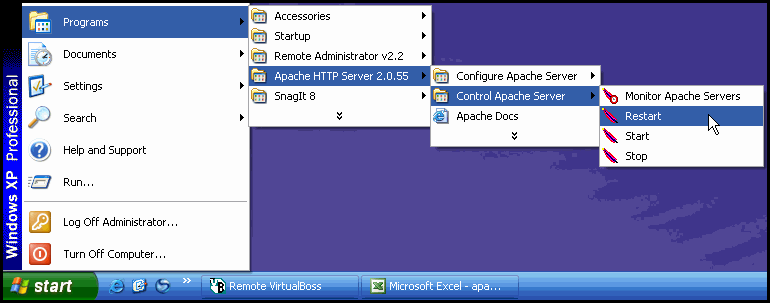
Restart Apache for the new settings
to take effect
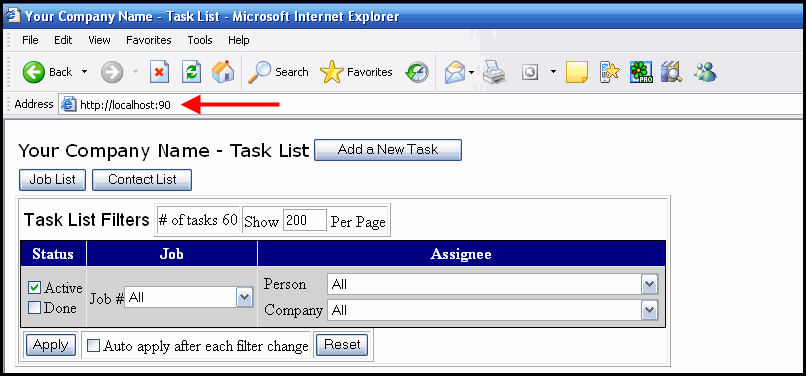
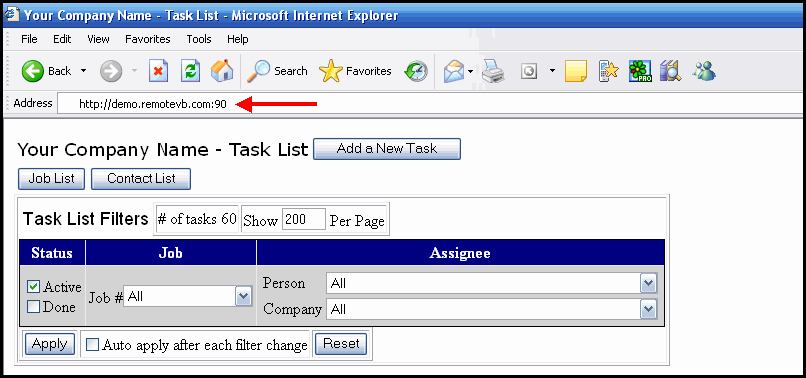
When this is finished, you'll need to enter a
:90 at the end of the web address you use to access Remote
VirtualBoss